


01 Requirement
Your channel needs to be part of the YouTube Partner Program (YPP).
02 Where to Find Revenue

- Sign in to YouTube Studio.
- From the left-hand menu, selectAnalytics.
- From the top menu, selectRevenue
- Revenue data takestwo daysto appear in YouTube Analytics.
03 How Creators Make Money
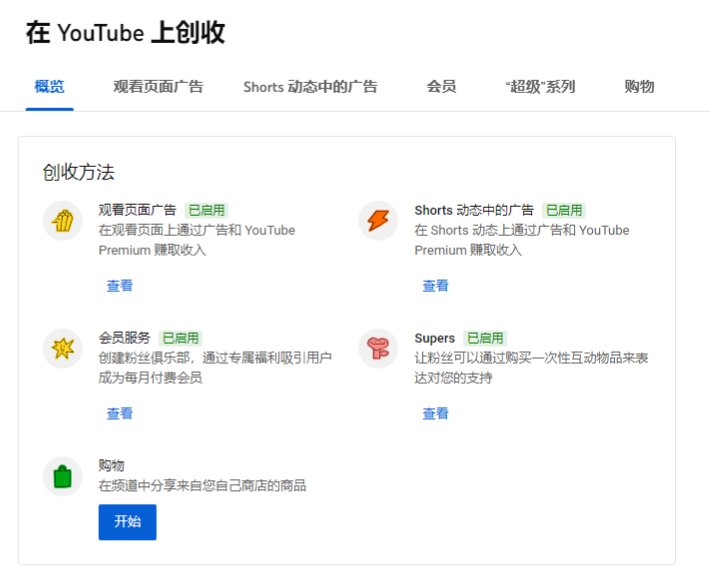
Revenue can be broken down into the following five main sources. Select a source to view more detailed revenue information.
Watch Page Ad Revenue告
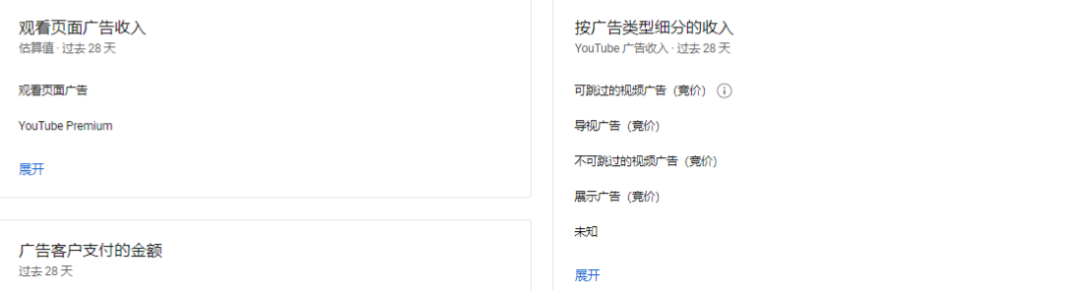
Estimated revenue from AdSense for YouTube, DoubleClick ads, and YouTube Premium for the selected date range and area. This amount does not include revenue from partner-sold ads.
Shorts Feed Ad Revenue
Estimated revenue from Shorts Feed ads and YouTube Premium for the selected date range.
Memberships Revenue
Estimated revenue from memberships and gifted memberships for the selected date range.
Supers Revenue
Estimated revenue from Super Chat, Super Stickers, and Super Thanks.
Shopping Affiliate Revenue
Estimated revenue from products from other brands featured in your content.
